1
Upload a Clear Image
Start with a portrait, product shot, character image, landscape, or social media visual in JPG, PNG, or WebP format.
Please download your generated video promptly, as video results are only stored temporarily.
Upload an Image
Click to upload or drag and drop JPG, PNG, or WebP
Create polished video clips without timelines or complex editing software.
Generate believable subject movement and smooth camera motion from one image.
Upload, describe the action, and let the AI build your clip.
Choose efficient 480p output or sharper 720p video for your project.
Turn a still image into an AI video online in three clear steps.
Start with a portrait, product shot, character image, landscape, or social media visual in JPG, PNG, or WebP format.
Describe what should move, how the camera should travel, and the mood you want. Prompts can include pan, zoom, smile, hair movement, water, wind, or product reveal details.
Choose 480p or 720p, generate your AI video, preview the result, and download the completed clip from the result or history area.
Use image to video AI for portraits, products, art, ads, thumbnails, and short social clips.
Muke AI helps you transform a static photo into a moving clip while keeping the original subject recognizable. Use it for portraits with subtle expression, fashion shots with fabric movement, character art with cinematic atmosphere, or travel images with environmental motion.
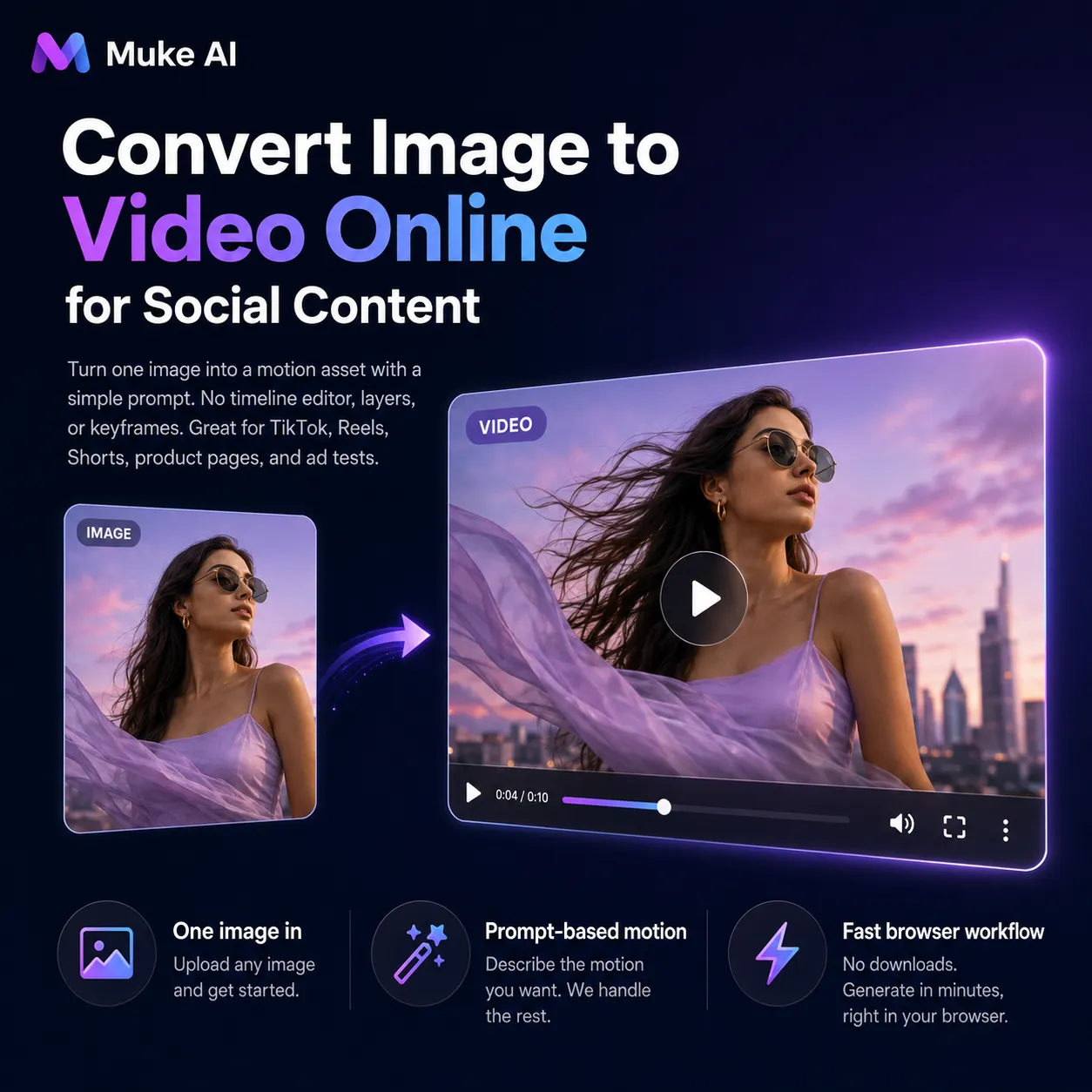
If you are searching for how to convert image to video online, this tool gives you a direct browser workflow. You do not need a timeline editor, video layers, or keyframe setup. A clear prompt can turn one image into a motion asset for TikTok, Instagram Reels, YouTube Shorts, product pages, or ad tests.
Good prompts explain both subject movement and camera behavior. Try phrases such as slow cinematic push-in, gentle hair movement, product rotating under studio lights, clouds drifting behind the subject, water ripples, camera pan from left to right, or a subtle smile with natural breathing.
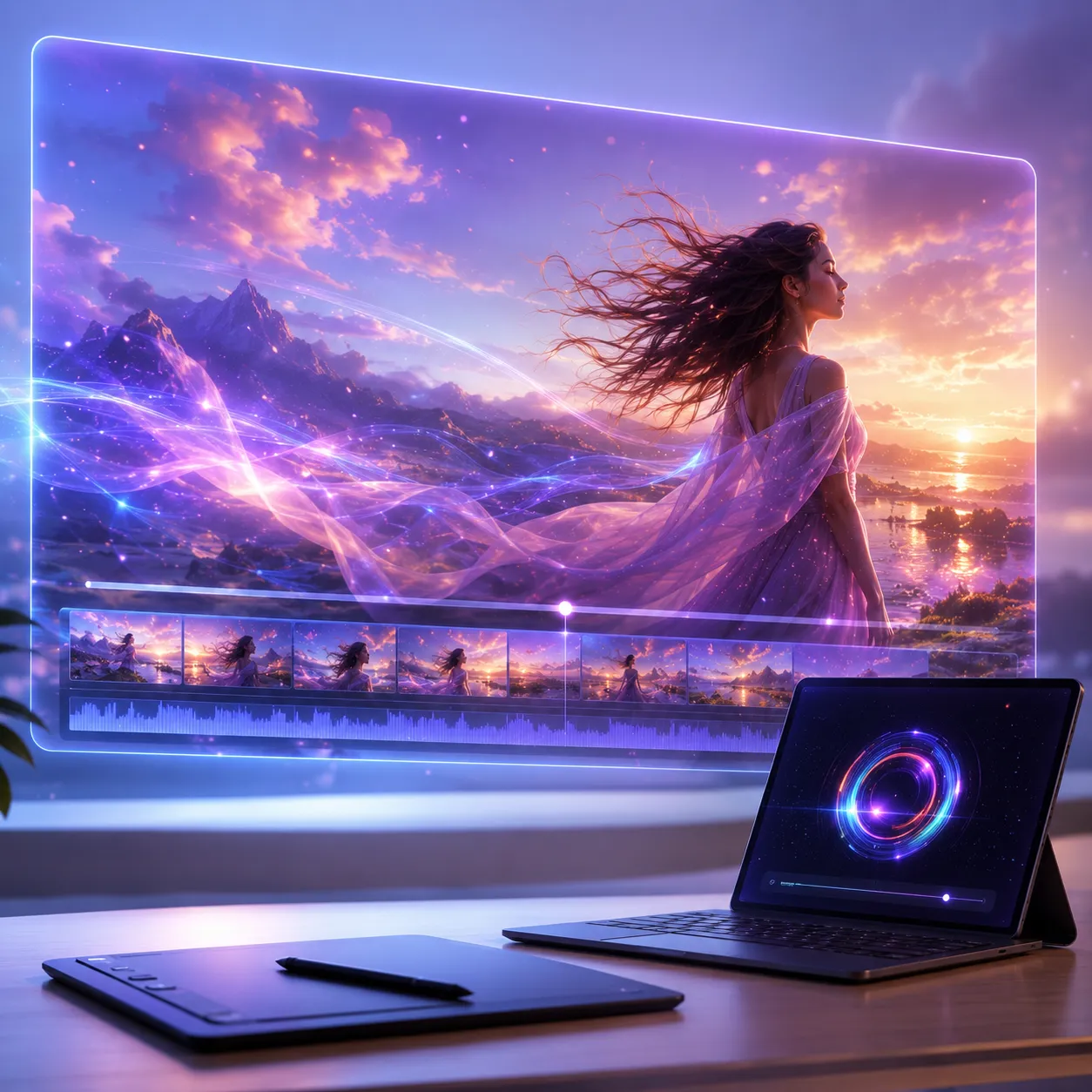
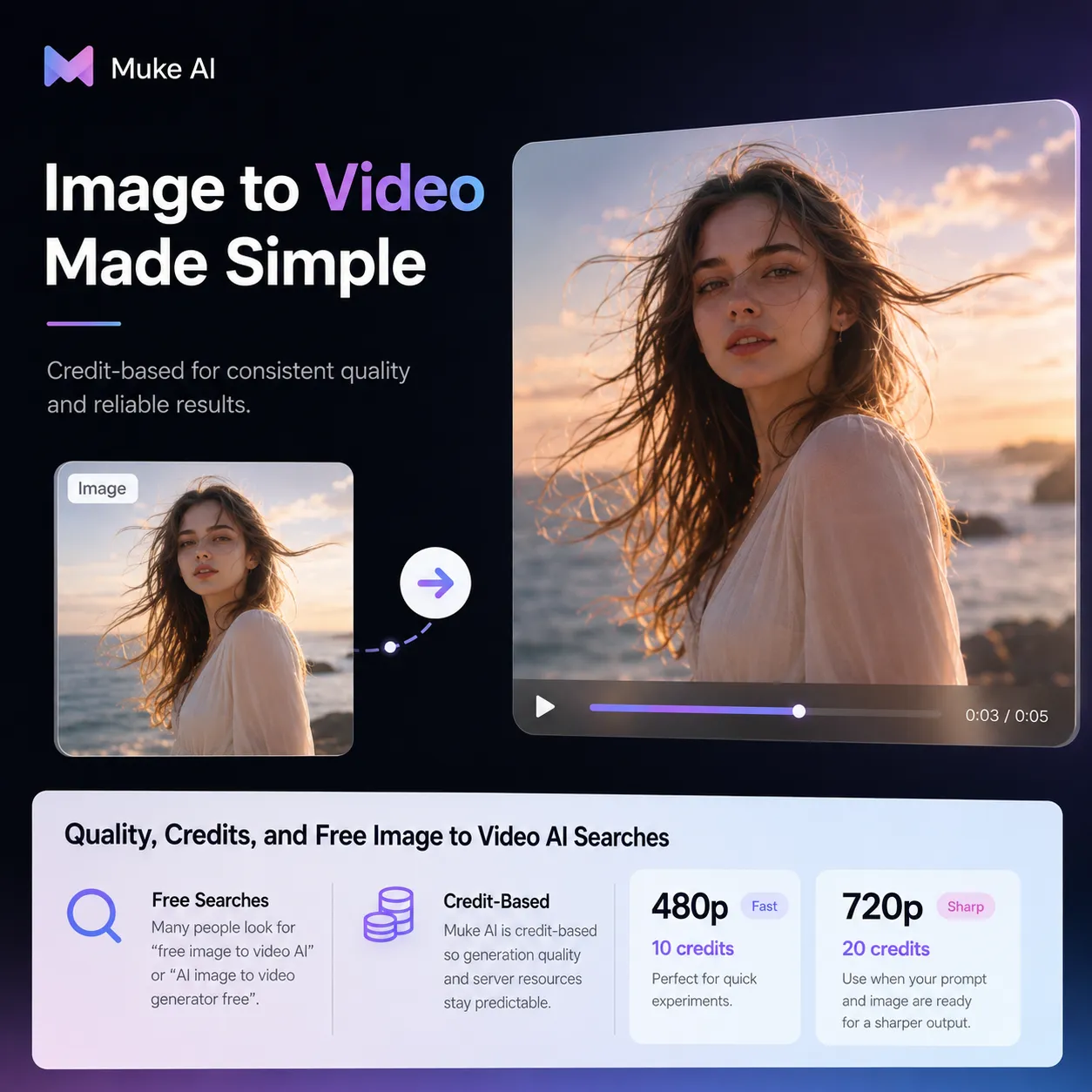
Many people search for free image to video AI or an AI image to video generator free option. Muke AI is credit-based so generation quality and server resources stay predictable. Use 480p for fast experiments at 10 credits, then move to 720p at 20 credits when the prompt and image are ready for a sharper output.
Answers about prompts, formats, credits, free searches, online conversion, images to video AI workflows, and output quality.
An image to video AI generator uses artificial intelligence to create motion from a still image. You upload a source image, describe the movement or camera action, and the model generates a short video clip based on that visual input.